
Browser
You work in the panel over HTTPS and WebSockets: dashboard, server console, file manager and admin tools.
A self-hosted panel for Docker-based game servers. Deploy, configure and monitor servers across your nodes from one web UI. Rubityle, a small daemon on each node, runs Docker.
Needs Node.js 18+ and Docker. SQLite or MySQL. No build step.
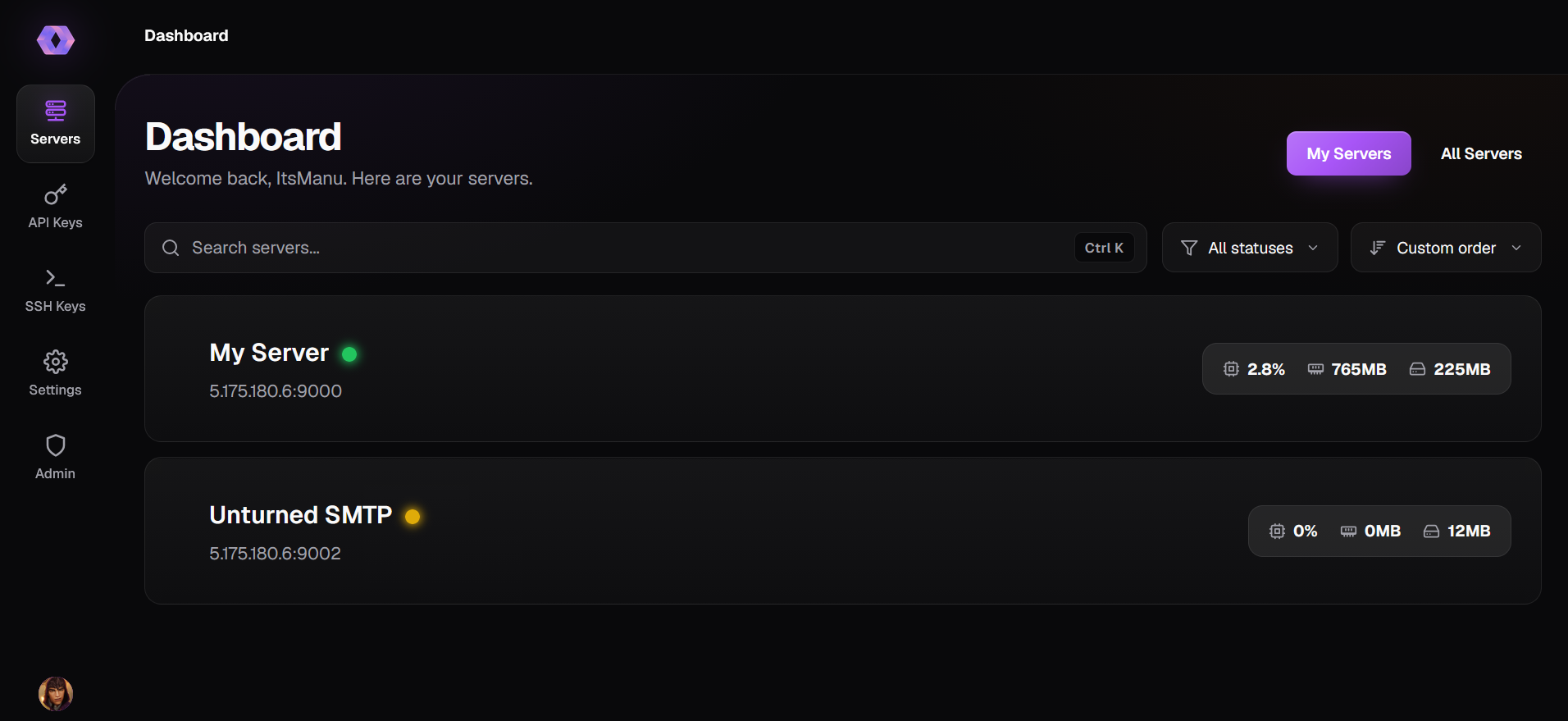
Pyloxdactyl is a plain Node.js control plane for game servers. The panel holds the database, authentication and web UI. The daemon owns the containers. That split keeps Docker off the public-facing panel.
Pyloxdactyl is an original project — not a fork, copy or rebrand of Pterodactyl, Pelican or any related software. The panel and the Rubityle daemon were written from scratch.
Start, stop, restart and kill servers. Watch the live console, edit files, and manage databases, backups and schedules.
Register nodes, assign allocations and choose eggs. Resource limits stay in the database and re-sync with each daemon.
bcrypt passwords, optional TOTP 2FA, Helmet headers, rate-limited auth and token-authenticated daemon endpoints.
Use zero-config SQLite or bring MySQL. Set branding, SMTP, CAPTCHA, languages and 2FA policy from the admin area.
English, German, French, Spanish, Dutch and Portuguese ship in the panel, with English as the fallback.
Upload extensions that add routes, view hooks, auth providers and admin tabs without rebuilding the panel.
You work in the panel over HTTPS and WebSockets: dashboard, server console, file manager and admin tools.
Express, EJS, sessions and the database. It stores the desired state and sends token-authenticated requests to nodes.
Runs on each node. It creates and limits pylox-<uuid> containers and streams the live console back.
Stays on the node. The panel never needs direct access to the Docker socket.
The lightweight daemon that makes servers possible.
Rubityle runs on every node that hosts game servers. It owns the Docker socket, creates containers
from egg definitions, enforces CPU, RAM and disk limits, streams console output over WebSocket and
exposes SFTP on port 2022.
Install Rubityle on a node before you create servers there.
daemon/8080 API, 2022 SFTPRegister the node under Admin → Nodes with its address and daemon token, then add allocations and create a server.
Install the panel first, then Rubityle on each node that will host servers.
Run on the machine that will host the web panel.
bash <(curl -fsSL https://install.pyloxdactyl.pylox.net)The panel starts on port 7956. The first account you register becomes root admin.
Run on each Linux node that will host game servers.
bash <(curl -fsSL https://install.rubityle.pylox.net)Add the node under Admin → Nodes with its token.